Relius launch video: a data product demo that starts with Excel pain
Data tools are hard to sell in a video because dashboards all look the same. This 65-second launch video, posted on X, starts with what every analyst hates instead: Excel crashing and reports that say "No Data".
The product
The video launches BlindSpot, a product that connects to the tools a business already uses and turns its customer conversations and data into one clear view. The buyer is a team still stitching reports together by hand.
The video, beat by beat
- Hook: "Open Excel." Then the error dialog every analyst knows.
- Escalation: switch to Power BI, and the report says "No Data".
- Reveal: the BlindSpot name, alone on screen.
- Integrations: it works with the tools you already use, shown as a dock of familiar apps.
- The product: customers, contacts and conversations in one dashboard.
- Close: built for your business, with the cursor still moving through real screens.
Why it works
- It opens inside software the viewer uses every day, so they recognize the pain in under 3 seconds.
- The cursor guides the eye through every scene, which keeps a data-heavy demo easy to follow.
- Integrations are shown, not listed, which answers "will it work with my stack?" without a word.
The result
The video launched on X. Othmane Allouch, the founder of Relius, recommended us on LinkedIn after the launch.
“Khalil did an excellent job on the launch video for my digital product. He is a high-level professional, communicates very well, and delivers clean, polished work.”How we make every launch video
- 01Research and angleWe read your buyers' reviews, Reddit threads and competitors to find the one pain they repeat. That pain becomes the hook.
- 02ScriptHook in 3 seconds, pain, discovery, outcome, call to action. You approve every word before anything is animated.
- 03VoiceoverA pro voice records the script. You get the takes and pick the one that sounds like your brand.
- 04VideoMotion design on your real product screens, cut to the voice and the music. 30 seconds in 5 days, 60 seconds in 10.
- 05Launch planWhere to post, what to write with the video, and when. A launch video only works if the right people see it in the first 24 hours.
More launch video examples
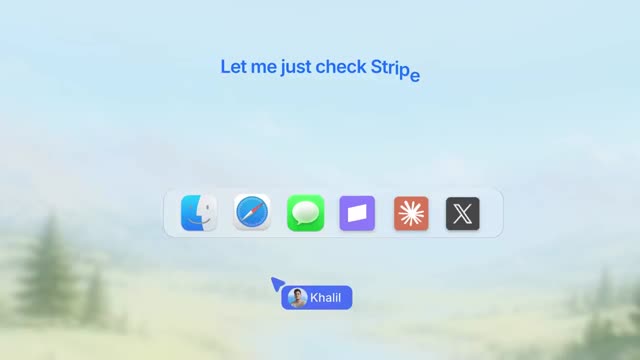 0:52
0:52 MarketFast
52-second Reddit launch. 200+ users in 24h, €0 on ads.
See the breakdown →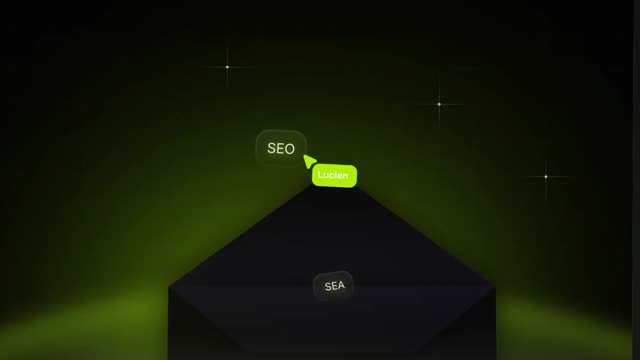 1:03
1:03 PushRank
Two French launches. 101K views on X, 170+ users in 24h.
See the breakdown →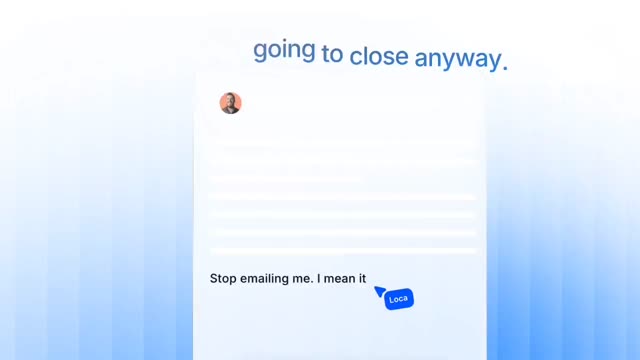 1:08
1:08 MyMatchOps
B2B launch built against cold outreach. 68 seconds.
See the breakdown →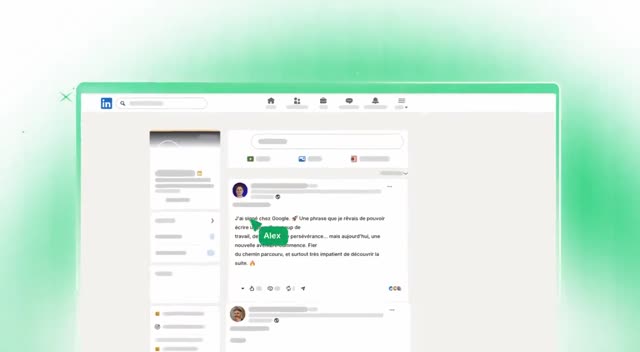 1:22
1:22French promo video that opens on a €0.00 balance. 82 seconds.
See the breakdown → 0:39
0:39Startup launch with one before and after. 39 seconds.
See the breakdown →